
Queue Management
After you submit a transcoding task, the task will enter the queue list for queuing and be scheduled for execution based on priority and submission order. Tasks in queues with higher priority will be processed first.
Prerequisites
Log in to the Transcoder Console, and click Queue Management in the left menu bar to enter the Queue List.
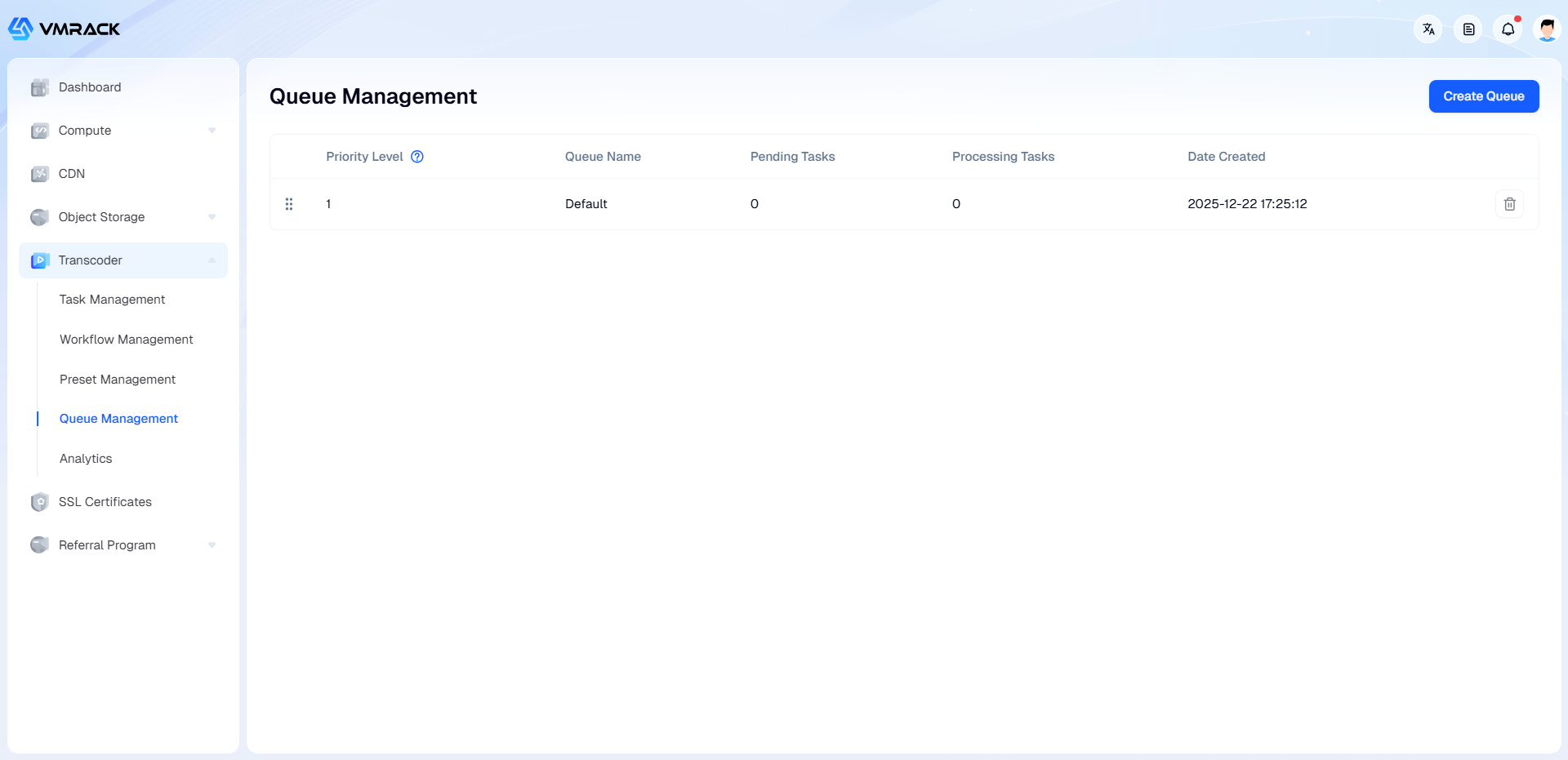
Field Description
Field | Description |
Waiting Tasks | Number of tasks currently waiting in the queue. |
Processing Tasks | Number of tasks currently being processed in the queue. |
Create Queue
In the Queue Management List, click Create Queue, enter the queue name to complete creation.
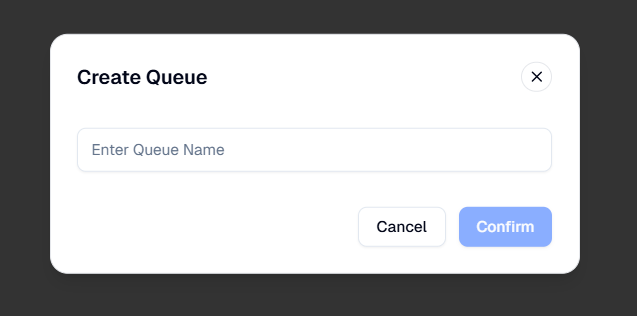
After creation, you can drag the queue in the list to sort its priority.
Default is the system default queue and cannot be deleted.
Each user can create up to 5 queues.
- Products
- VPS Hosting
- VPS HostingUnmetered
- Bare Metal
- GPU Rental
- CDNPublic Beta
- Custom CDN
- Object StoragePublic Beta
- TranscoderPublic Beta