When Does a Database Workload Need a High-Performance Bare Metal Server?
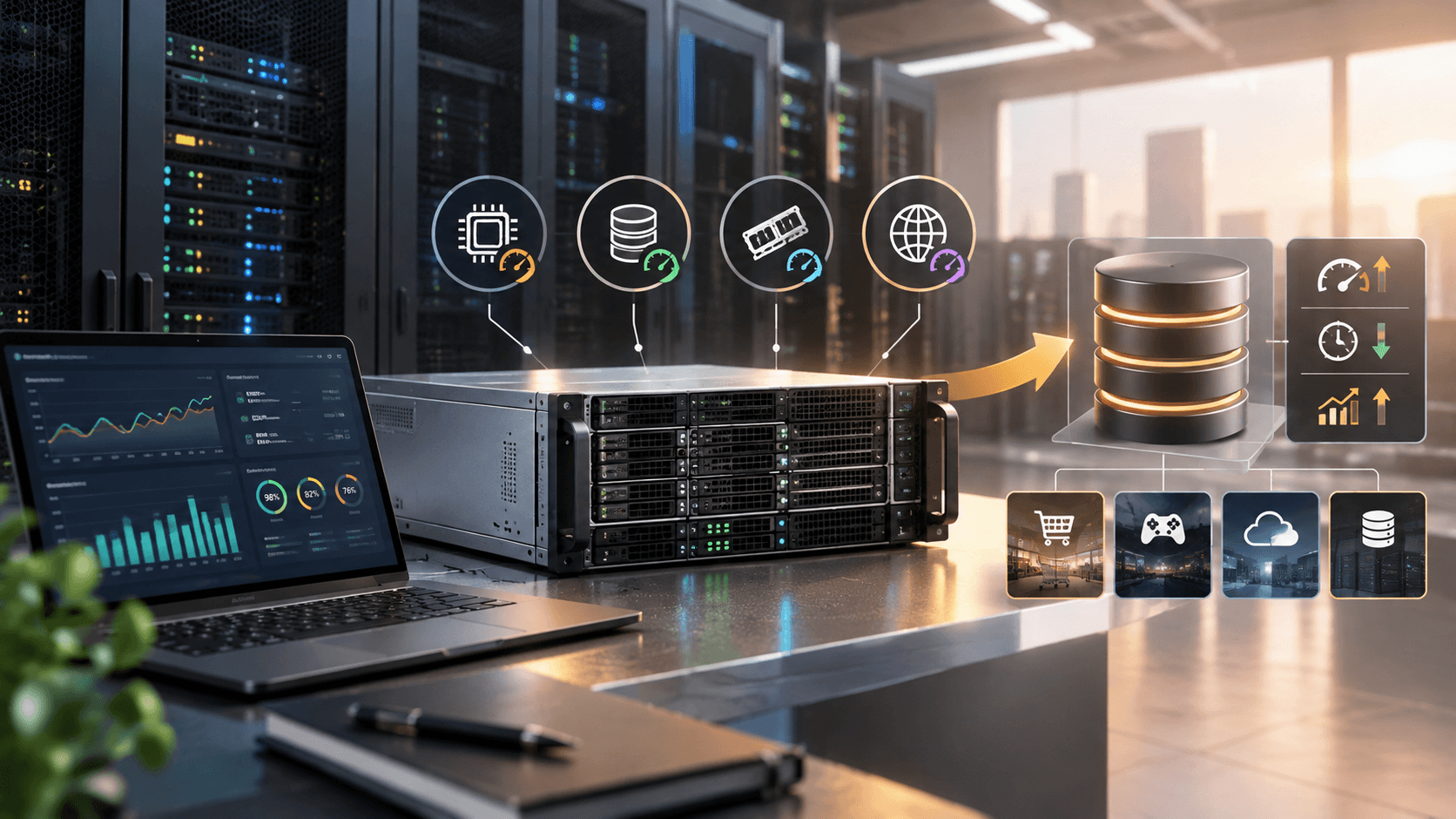
When read/write latency keeps spiking at peak hours and upgrading your virtualized configuration brings little improvement, it is time to consider a bare metal server. With no virtualization layer, the CPU, memory, disks and network card are dedicated to a single workload, which delivers more stable performance and makes deep tuning easier.
How to Tell Whether You Have Hit a Performance Bottleneck
Deciding whether you need dedicated hardware takes more than looking at CPU utilization; you should analyze several monitoring metrics together. If your database shows the following symptoms during peak hours, the shared virtualized environment may have become the bottleneck.
• Abnormal CPU steal time: check the st metric with top or vmstat. If it is persistently non-zero and fluctuates noticeably at peak hours, the host's CPU resources are being taken by other tenants.
• Unstable disk I/O wait: use iostat to watch await and %util. If both climb sharply at peak hours, the storage cannot keep up with random read and write demand.
• Falling memory hit rate: once the data set outgrows the buffer pool, the InnoDB buffer pool hit rate drops and disk reads increase, while the memory limit of a virtual machine is often hard to raise further.
• Inconsistent performance on the same configuration: benchmark results vary widely at different times of day, which is usually caused by resource contention with other tenants on the same host.
Keep in mind that average response time can hide problems, so focus on tail latency such as P99 and P999. Only if tail latency remains unstable after you have optimized indexes, SQL and caching is it worth changing the underlying hardware.
Typical Scenarios for Dedicated Physical Servers
Not every workload needs dedicated hardware. The following types of database scenarios usually gain the most from a physical server.
• High-concurrency OLTP workloads: in orders, payments and in-game transactions, a large number of small transactions with random reads and writes is highly sensitive to IOPS and latency, and locally attached NVMe disks remove the extra overhead of virtualized storage.
• Large memory and large data sets: workloads such as Redis and ClickHouse often need hundreds of GB of memory. A physical machine can be configured with large memory directly, together with optimizations such as huge pages and NUMA binding.
• Primary nodes in a cluster: the primary has the highest stability requirements and suits dedicated hardware, while replicas, cache and read-only nodes can stay on lower-cost VPS.
• Isolation and compliance requirements: dedicated hardware avoids multi-tenant sharing, which makes it easier to meet customer requirements for data isolation and security audits.
Conversely, low-traffic sites, development and test environments, and workloads that need frequent elastic scaling are usually fine on a VPS, so there is no need to pay more too early. If your core database has not yet hit the bottlenecks above, it is also wise to optimize SQL and indexes first.
Selection Testing and Deployment Tips
Once your requirements are clear, run a comparison test first. Use tools such as sysbench, pgbench and fio to benchmark your current environment against a bare metal test machine with the same data volume and concurrency, comparing QPS, P99 latency and disk IOPS before deciding whether to migrate.
When selecting hardware, focus on CPU clock speed and core count, memory capacity, the number of NVMe or SSD drives and the RAID scheme, as well as network bandwidth and route quality. Because you must handle hardware failures yourself, set up primary-replica replication and regular backups, and do not rely on the live-migration capability of a virtualization platform.
VMRack, built on its self-owned Los Angeles data center, provides bare metal solutions with custom configurations. You can combine CPU, memory and disks to match your workload, with support for multiple IPv4 addresses, private IPs, high bandwidth and unlimited traffic. For routes, you can choose premium three-network lines (CN2 GIA, AS9929, CMIN2), optimized three-network lines or native US lines.
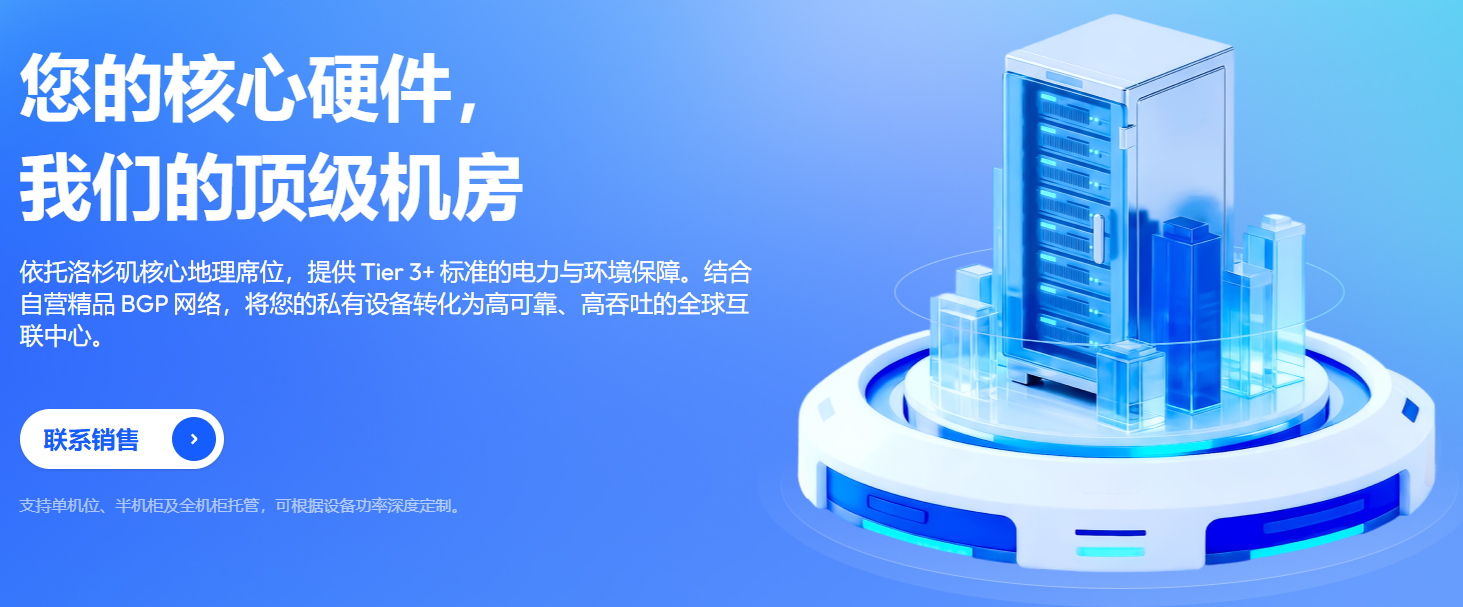
As for operating systems, CentOS, Rocky, Ubuntu, Debian and Windows are supported. If you already own hardware, you can also choose server colocation; replicas and cache nodes in a primary-replica architecture can be paired with VPS on the same platform to balance performance and cost.
Summary
Whether you need a bare metal server comes down to three points: whether tail latency is unstable because of virtualization, whether the data scale exceeds what a virtual machine can handle, and whether the workload requires dedicated, isolated resources. Locate the bottleneck with monitoring first, validate the gains with benchmarks, and then roll out together with backup and high-availability design to balance performance and cost.

- Products
- VPS Hosting
- VPS HostingUnmetered
- Bare Metal
- GPU Rental
- CDNPublic Beta
- Custom CDN
- Object StoragePublic Beta
- TranscoderPublic Beta