Six Free and Useful SSH Tools Recommended!
In daily development and operations scenarios, SSH tools are often used. Choosing a useful SSH tool can improve our work efficiency. So, what free and useful SSH clients are there? This article will provide you with six free and useful SSH tools. Let's take a look!

Six Free and Useful SSH Tools!
Here, we have compiled six common and well-received SSH tools. With these tools, you can more easily connect to servers remotely via SSH, manage sessions, and make daily remote operations more worry-free and efficient.
1. PuTTY
PuTTY is a classic free and open-source SSH tool. With its lightweight, simple, and stable characteristics, it has become the introductory choice for many beginners. It supports multiple connection methods such as SSH, Telnet, Rlogin, and serial port, and can meet common remote login needs.
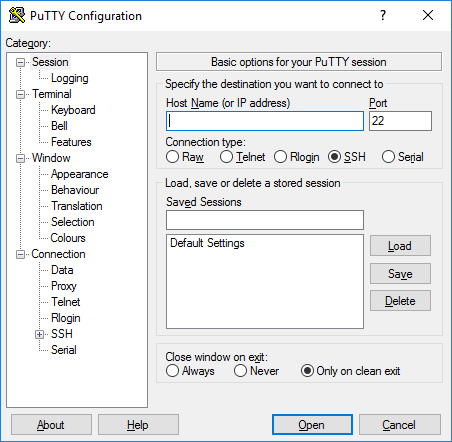
PuTTY is small in size, starts quickly, and has relatively simple configuration options, making it very suitable for users who only need to connect to servers via SSH. However, PuTTY's interface style is relatively traditional, and functions such as file management are also relatively simple, which may be slightly insufficient for scenarios requiring graphical file transfer or complex session management.
2. MobaXterm
MobaXterm is a Windows remote connection tool with quite rich functions. It supports multiple connection methods such as SSH, SFTP, and VNC, basically covering the common mainstream protocols in daily operations.
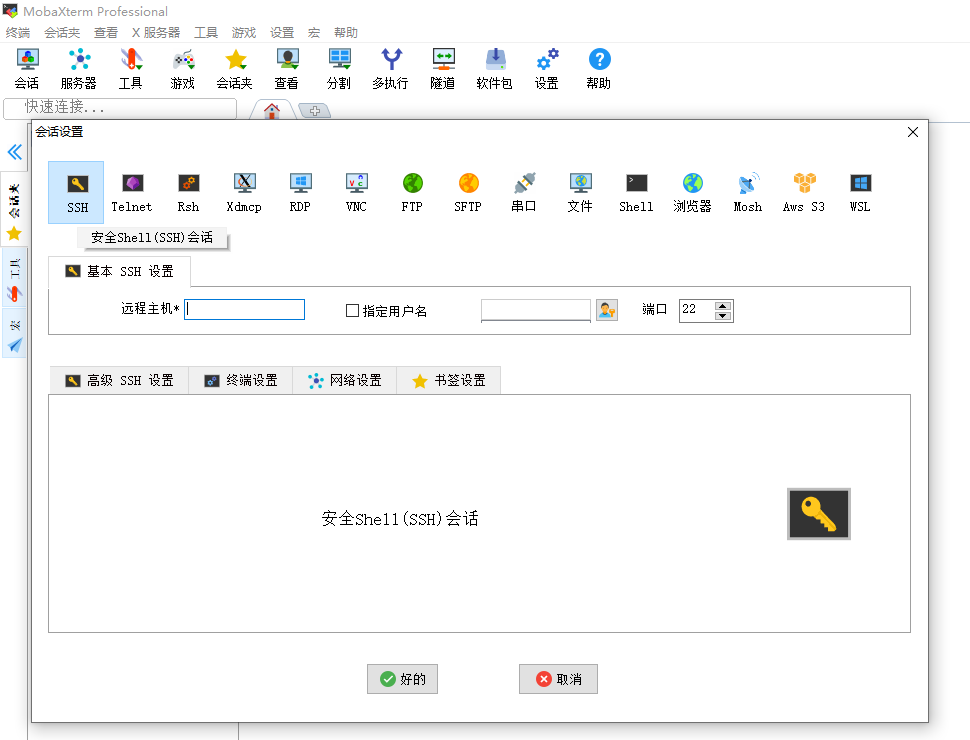
MobaXterm's feature lies in its one-stop experience, that is, after connecting to a cloud server, users can both execute commands in the terminal and directly manage server files through the SFTP panel on the left, eliminating the trouble of switching back and forth between multiple tools.
MobaXterm is very suitable for complex remote operations scenarios, especially for network engineers, system administrators, developers, and Windows users who need to use multiple remote protocols at the same time.
3. Xshell
Xshell is a professional Windows terminal emulation and SSH client developed by NetSarang, commonly used for server management, network device management, and enterprise IT operations.
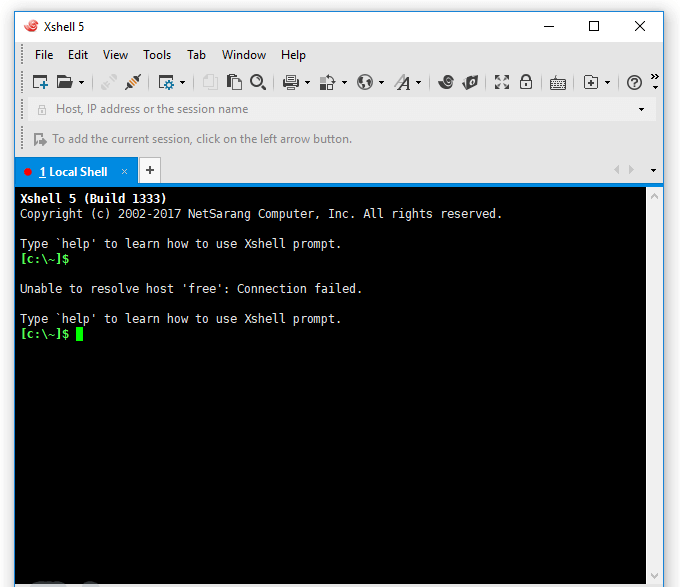
Xshell's core advantages lie in terminal experience and session management. It provides multiple functions such as multi-tab, session management, and script execution, and can connect to and manage multiple servers at the same time. However, some of its functions and usage scenarios involve commercial licensing, and the free version may have certain limitations.
4. FinalShell
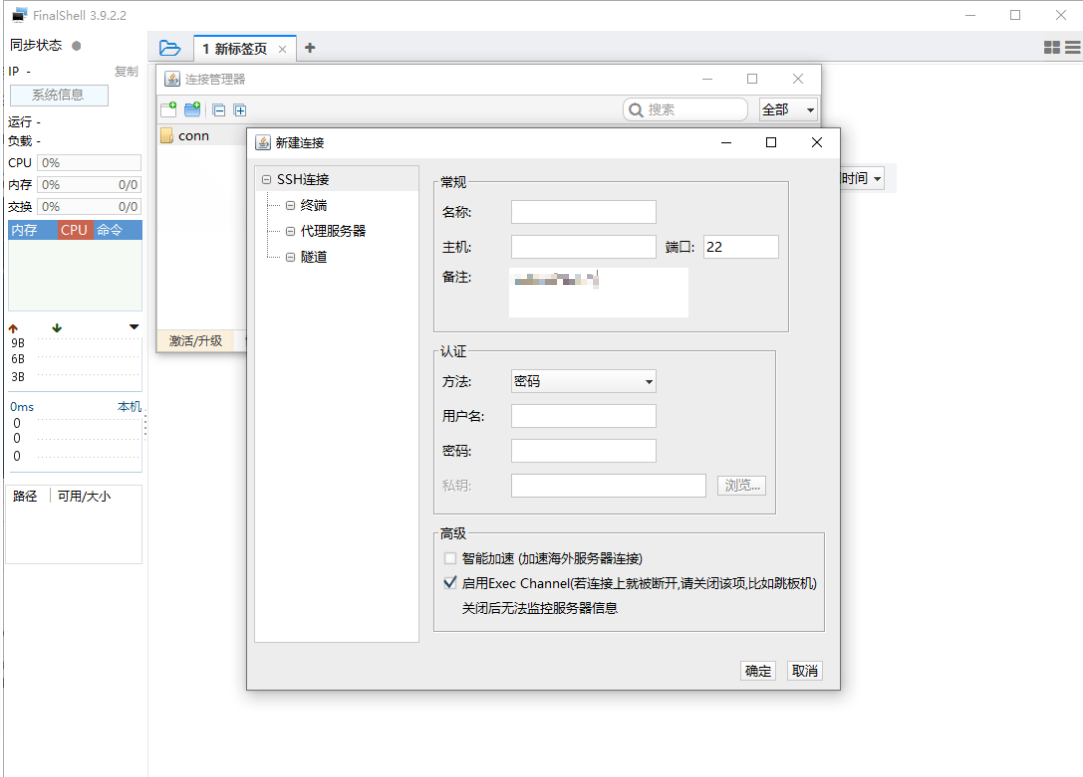
FinalShell is a remote management tool that integrates SSH connection, SFTP file management, and server monitoring. After connecting to a server, users can directly view the usage of resources such as CPU, memory, disk, and network within the software. For users who need to grasp server status while operating, FinalShell's management experience is more intuitive and efficient.
5. Termius
Termius is an SSH connection tool that emphasizes cross-platform and multi-device management, supporting Windows, macOS, Linux, iOS, and Android. Compared with traditional SSH tools, Termius is more like a modern server management tool. Users can save connection information such as servers, usernames, and keys, and use them across different devices.
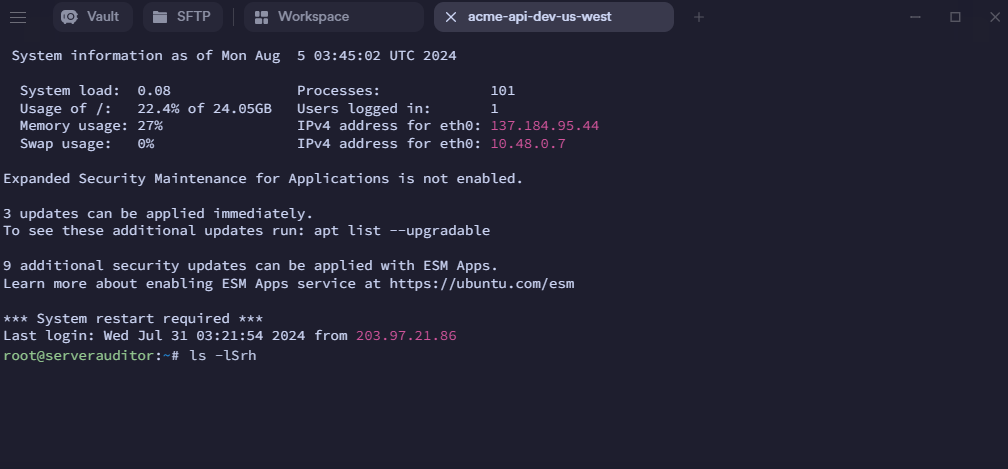
6. Tabby
Tabby is a modern open-source terminal tool that supports Windows, macOS, and Linux. It can not only serve as an SSH client, but also be used as a daily terminal.
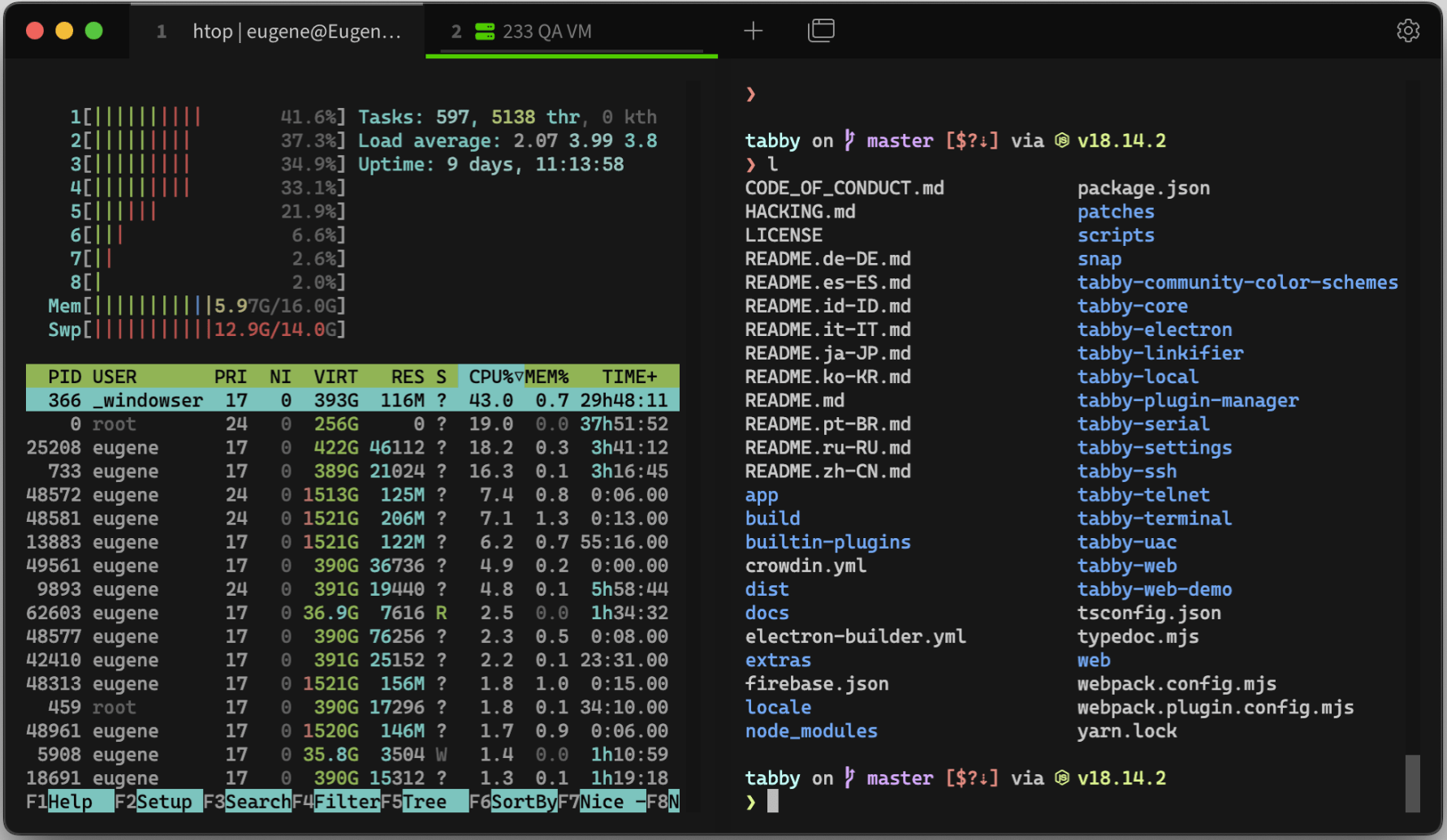
Tabby's features are a modern interface, support for tabs and split screens, and strong extensibility. For developers, local terminals and remote SSH sessions can be managed simultaneously in one software.
How to choose an SSH tool that suits you?
When choosing an SSH tool, it is not about which tool is stronger or has more functions, but based on your own needs. If you are a beginner, the recommended SSH tool is FinalShell, because its interface is relatively intuitive and you can get started quickly; if you are a programmer or developer, you can try Tabby. This tool is more modern, and its tabs, split screens, and terminal experience are more suitable for daily development.
Of course, SSH tools are only tools for connecting to and managing servers. The actual usage experience is also closely related to the server's own network lines and stability.
If you need a stable, low-latency server, you can try VMRack's three-network premium server. This server uses optimized lines such as CN2 GIA, AS9929, and CMIN2, and provides corresponding line choices for the network environments of different operators, helping users obtain a more stable access experience.
Summary
In this article, six free and useful SSH tools were introduced to you. You can choose the corresponding tool according to your needs. In addition, these six tools all support SSH passwordless login. After configuration is completed, passwordless login to the server can be achieved. The above is all the content of this article. I hope it is helpful to you.


- Products
- VPS Hosting
- VPS HostingUnmetered
- Bare Metal
- GPU Rental
- CDNPublic Beta
- Custom CDN
- Object StoragePublic Beta
- TranscoderPublic Beta