What Is the Difference Between Native IP and Broadcast IP?
The difference between native IP and broadcast IP comes down to whether an IP's registration location matches the actual location of the server: if they match, the IP is native; if they do not, and the IP is announced across regions via BGP, it is broadcast. This difference directly affects how the IP's location is identified, network latency, service stability, and cost. The sections below cover definitions, a comparison, and how to check, so you can choose based on your business needs.
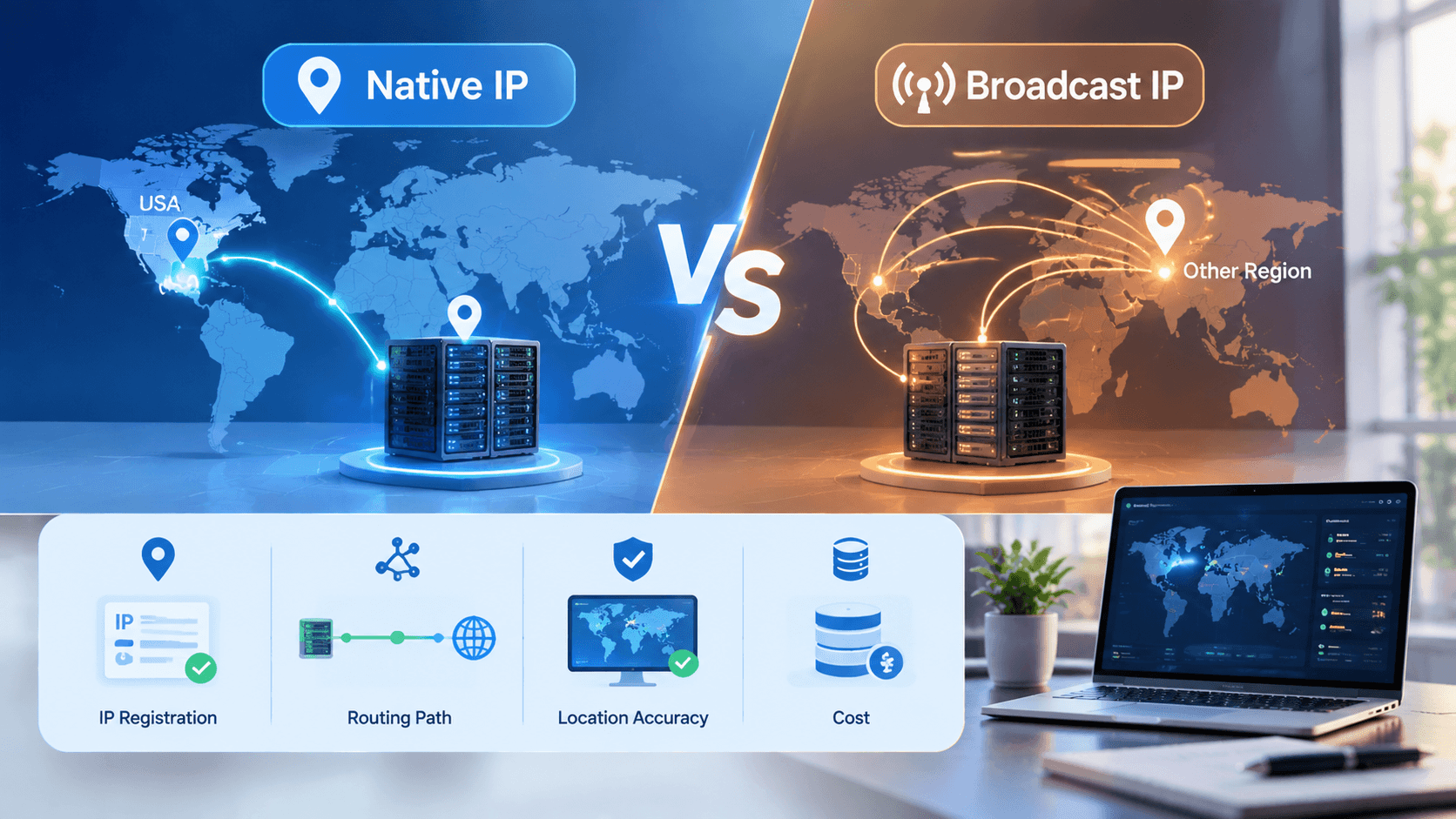
Definition and Characteristics of Native IP
Native IP is an IP address allocated by a regional internet registry (RIR) to a carrier or data center in a given region and actually used in that region. In the US, for example, IPs are allocated by ARIN and the server sits in the US, so the registration data, routing exit, and server location all match.
Because the location is consistent, mainstream IP databases such as MaxMind and IPinfo can usually identify it as the corresponding country and city, which is the biggest value of a native IP. Note that native does not mean residential: addresses provided by a data center are still data center IPs.
Its main characteristics are as follows:
• Consistent location: the registration location, geolocation, and server location all match.
• Simple routing: traffic leaves directly from the local data center exit, with no detour through other regions.
• Better stability: routing is generally not disrupted by cross-region announcement changes.
• Wide applicability: suited to businesses that need accurate IP location, such as cross-border e-commerce, overseas social media operations, and region-specific content access.
VMRack is built on a self-owned data center in Los Angeles, and all of its server products use US native IP. Users who need consistent IP location can choose with confidence.
Definition and Characteristics of Broadcast IP
Broadcast IP is also commonly called an announced IP. The IP block is registered in region A but announced through BGP and actually used in a data center in region B. For example, an IP block registered elsewhere that is brought online in a Los Angeles data center falls into this category.
Because the registration data has not changed, some IP databases keep showing the original registration location, while others update gradually as routing changes, so geolocation results may be inconsistent and updates may lag. Before using a broadcast IP, it is best to confirm how much location inaccuracy your business can tolerate.
Its characteristics are mainly as follows:
• Lower cost: IP resources from other regions can be allocated flexibly, and prices are usually more favorable.
• Uncertain geolocation: different databases may give different results, which is risky for businesses with strict location requirements.
• Possible extra routing hops: this depends on the announcing node and upstream network quality.
• Flexible use cases: suited to scenarios that need a specific IP block, keeping existing IPs during a migration, or multi-region testing.
Comparison and Selection Advice
The table below compares the two types of IP across several key dimensions, where the former is native and the latter is broadcast:
Item | Native | Broadcast |
Registration vs. actual location | Consistent | Inconsistent |
Location identification | Usually accurate and stable | Results may differ across databases |
Routing path | Local data center exit, direct path | Depends on the announcing node; may detour |
Cost | Relatively higher | Relatively lower |
Best for | Businesses with strict location and stability requirements | Businesses not sensitive to location that need to allocate or keep IPs |
How to check for a native IP takes three steps: first look up the IP's registration country and ASN, then compare geolocation results from multiple databases, and finally check the routing exit. Common commands are:
whois your-IP-address
curl ipinfo.io/your-IP-address
traceroute your-IP-address
If the registration country, geolocation result, and data center location all match, the IP can generally be judged native; if the registration location differs from the data center location, it is most likely broadcast.
When choosing, consider your needs: for account risk control, region-specific content access, or latency-sensitive workloads, choose the former; if your budget is limited or you only need to keep an existing IP block, the latter is more flexible.

VMRack offers Premium Three-Network VPS (L3), Optimized Three-Network VPS (L2), and International BGP (L1) lines, and also supports bare metal servers and server colocation, so you can mix and match based on your line, bandwidth, and configuration needs.
Summary
The difference between native IP and broadcast IP comes down to three points: whether the registration location matches the server location, whether geolocation and routing are stable, and how to balance cost against flexibility. When choosing, first clarify your business requirements for location accuracy and stability, then decide based on budget and line quality. For US line options, visit the VMRack website for detailed configurations.


- Products
- VPS Hosting
- VPS HostingUnmetered
- Bare Metal
- GPU Rental
- CDNPublic Beta
- Custom CDN
- Object StoragePublic Beta
- TranscoderPublic Beta